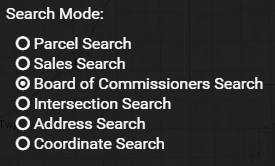
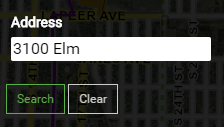
Enter address Number and Street Name, click the green Search button
The property will be listed in blue
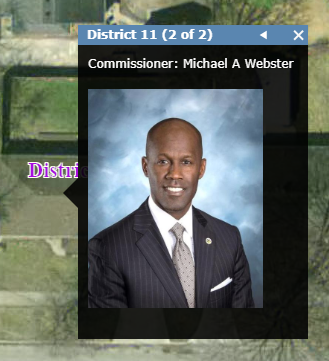
Click on the property to zoom into the proper Commissioner District with the Commissioners name and photo pop-up.
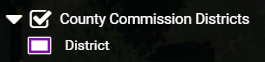
Also during a normal parcel search or selection on the map, the Commissioner will be shown for that property when the County Commission District layer is turned on here:
Click the layers button
Then turn on the Commission District Layer
When a parcel is selected there will be an arrow at the top of the label here just to the right of "(1 of 2)"
Click the arrow and the Commissioner will be listed